
Access your workbooks, assignments and other downloads here.
NOTE: In order to save your work, download the PDF files to your computer and then you may enter your info. You'll lose your work if you make edits without first downloading the PDF.
05.07: Composition Demo
Download your workbooks to follow along with the lesson
As you watch the video, use your notes pages to write down detail information for your easy reference
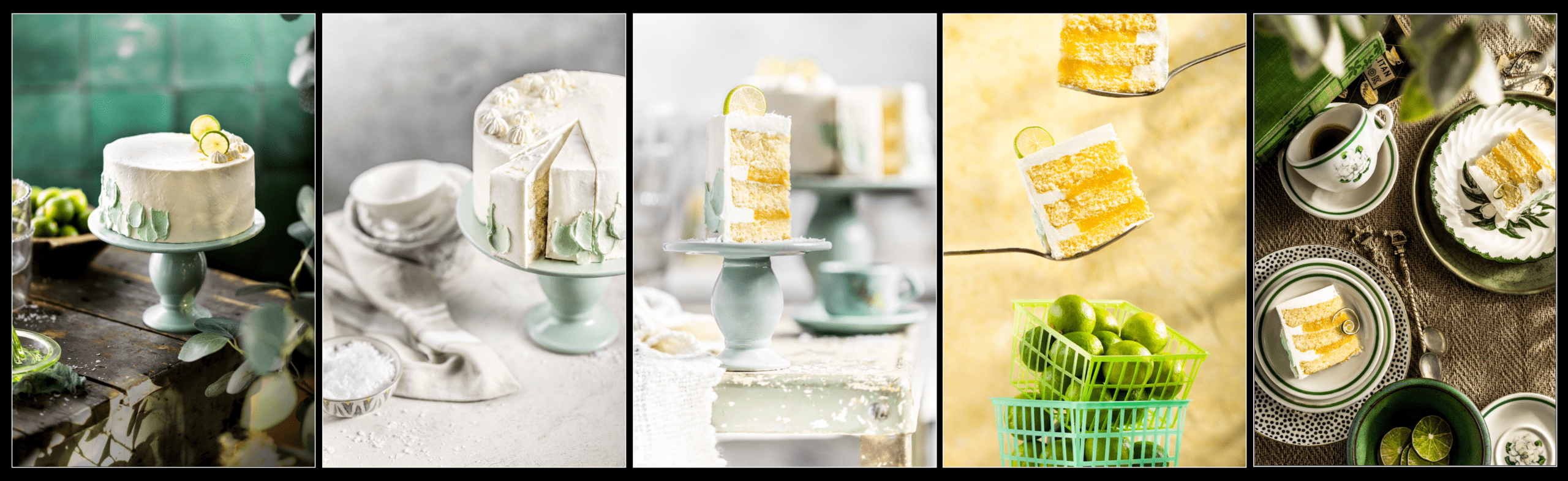
Composition Demos
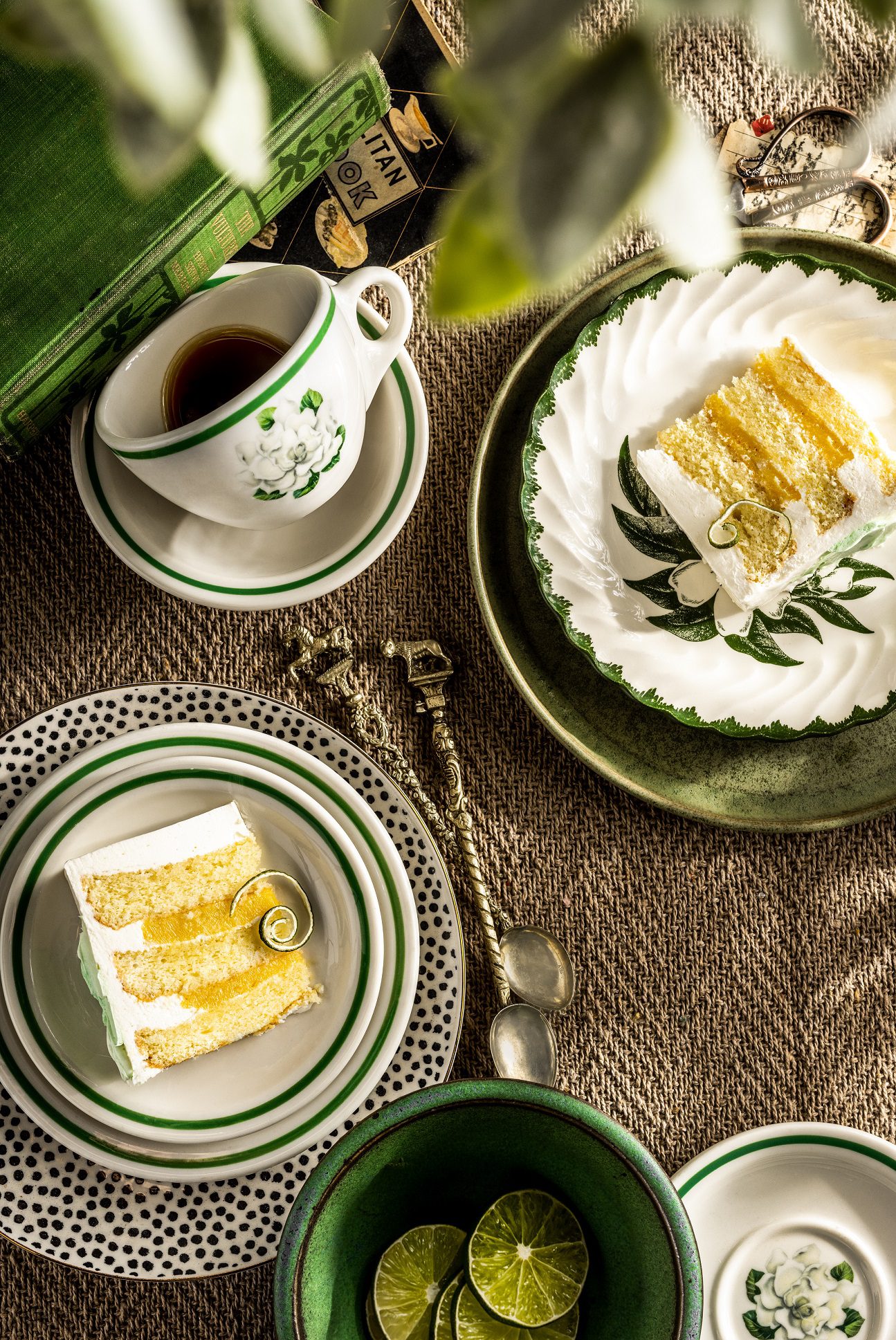
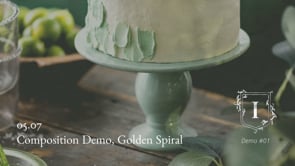
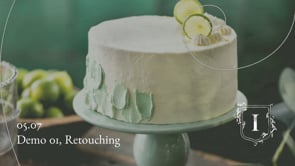
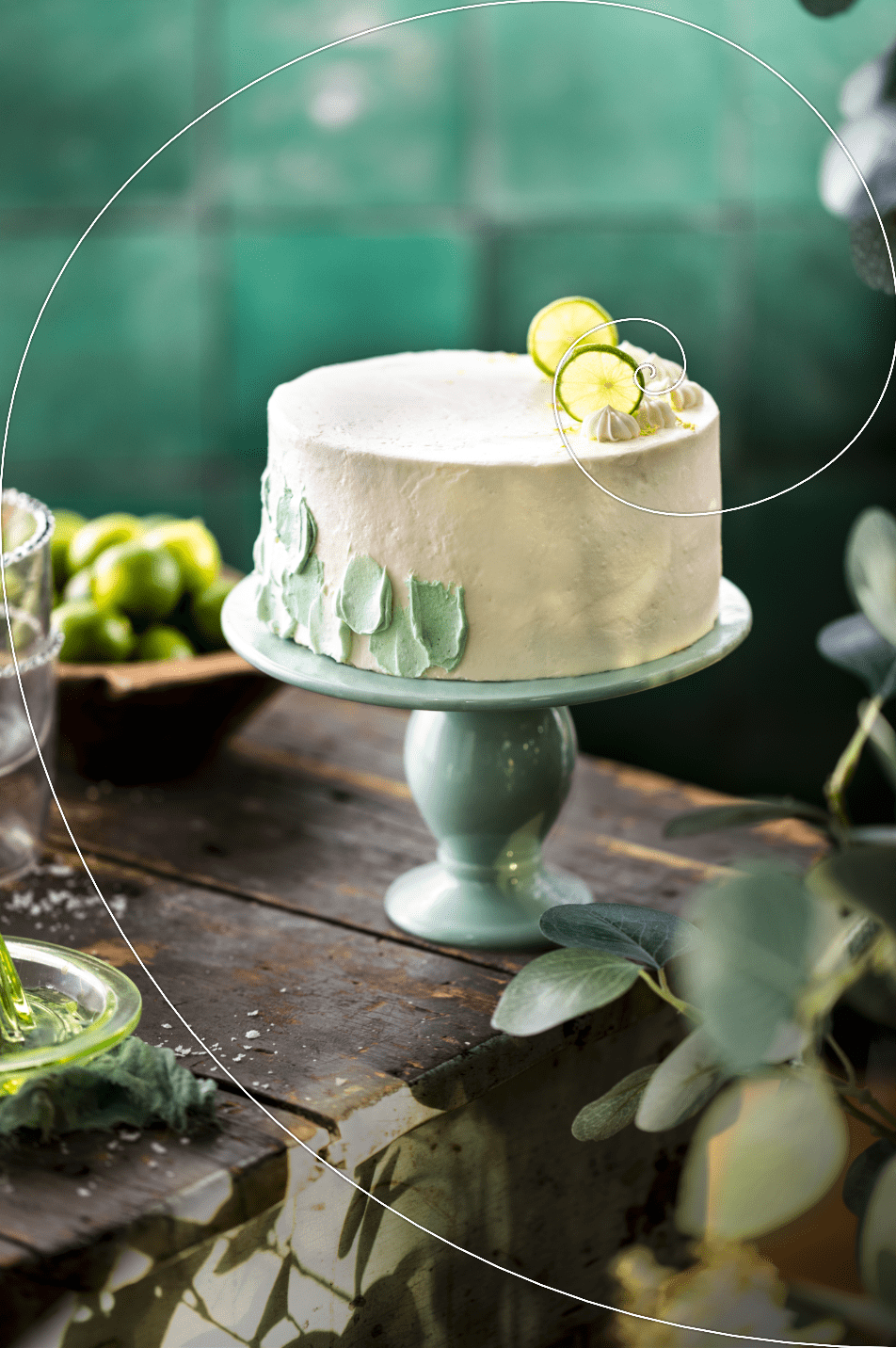
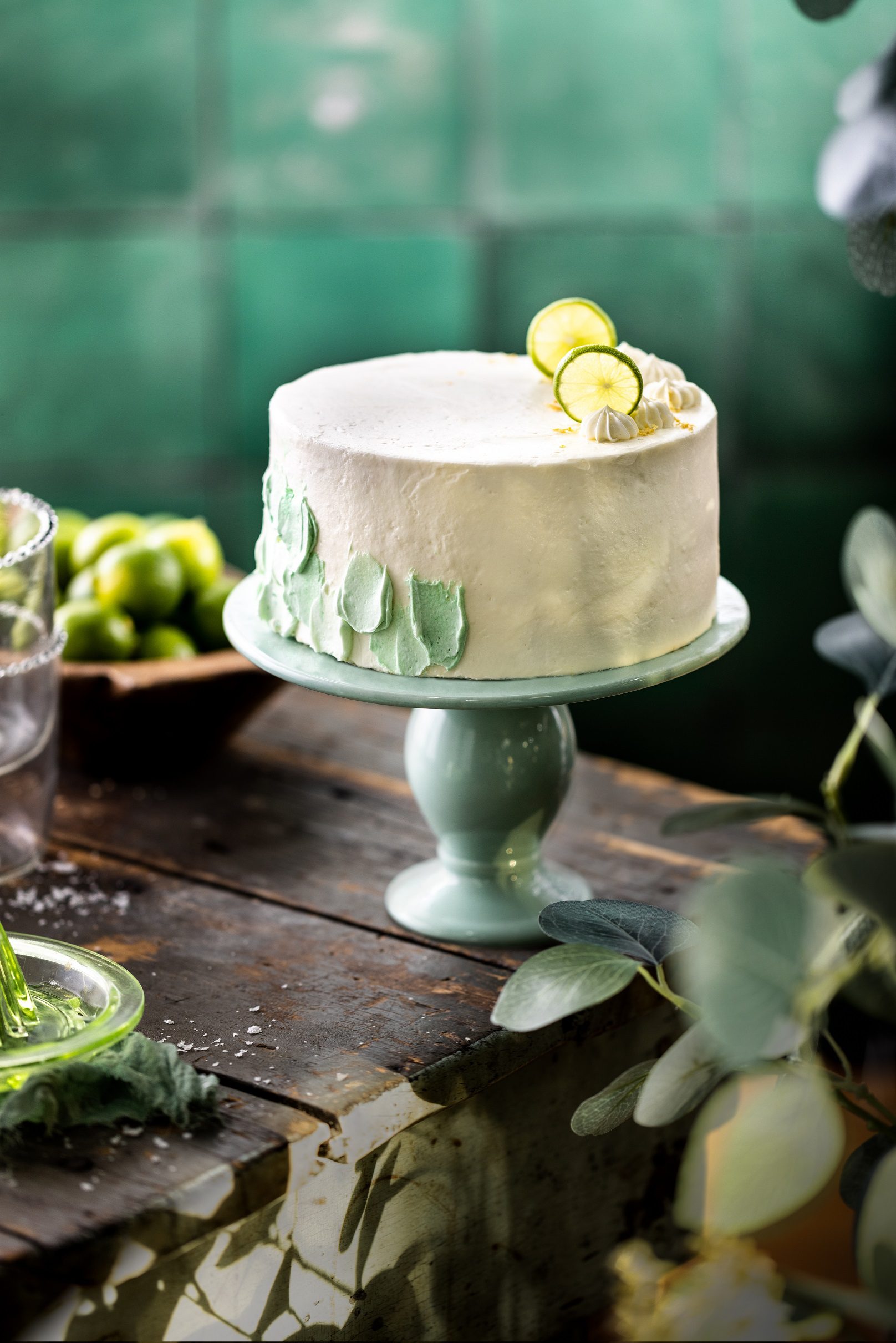
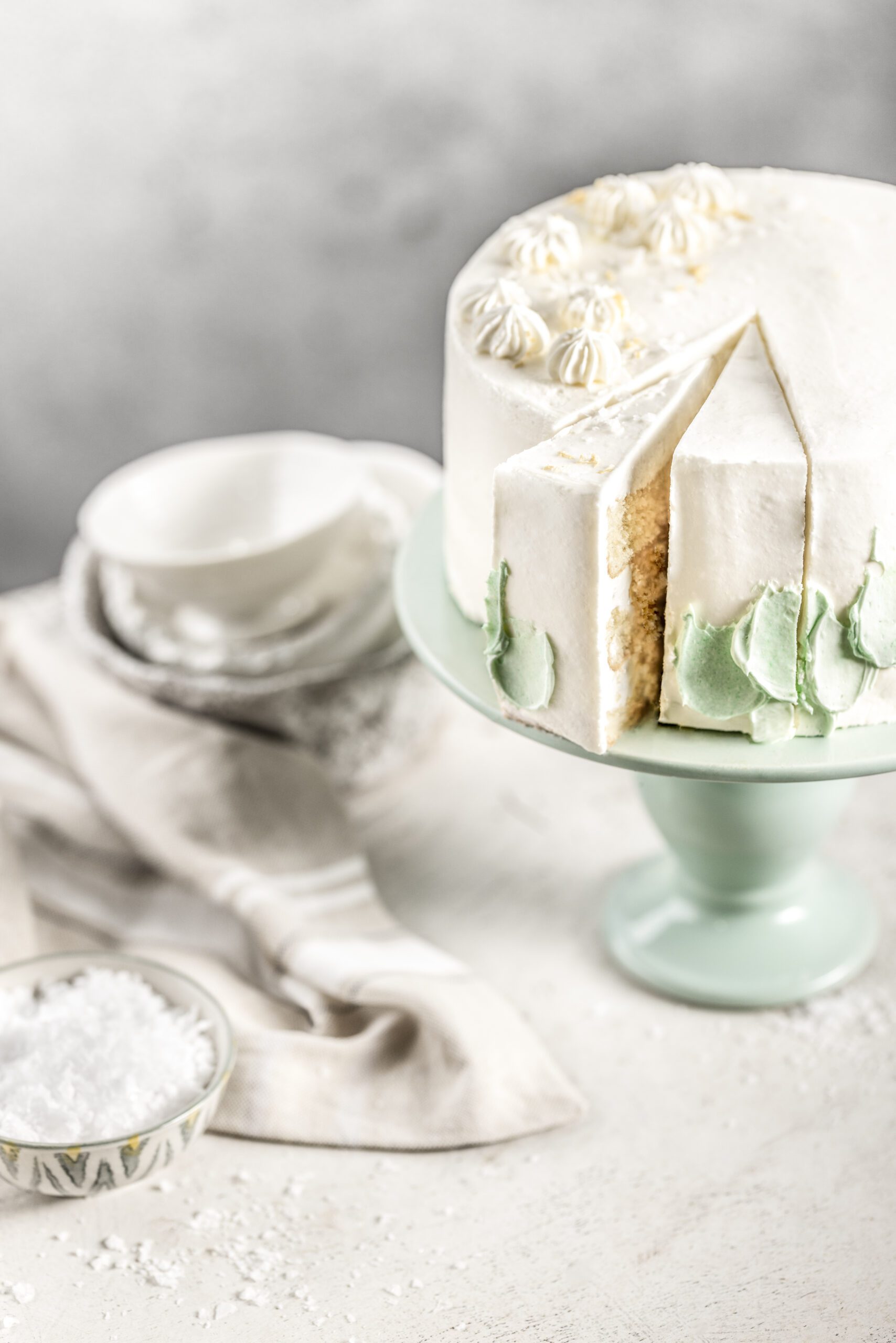
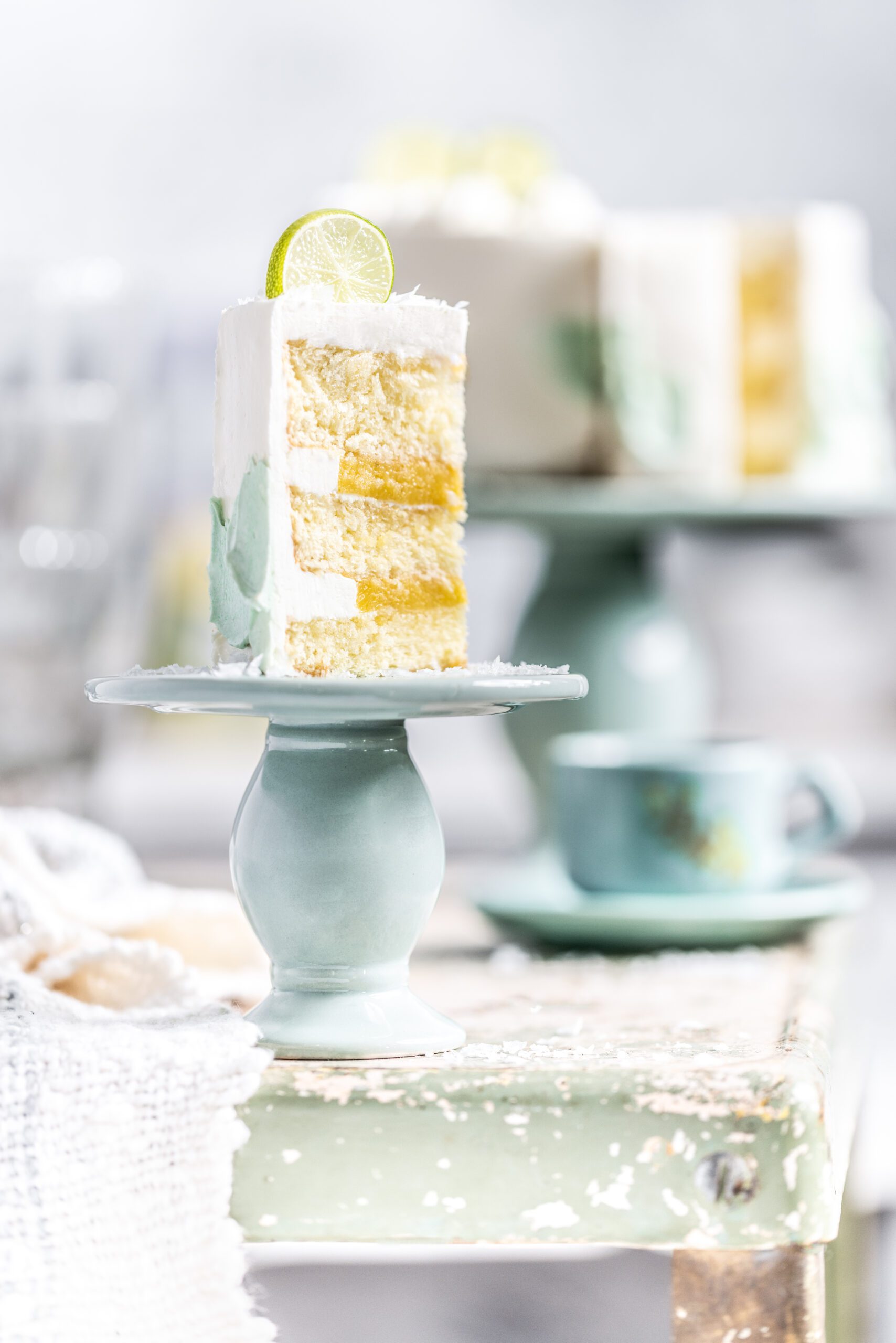
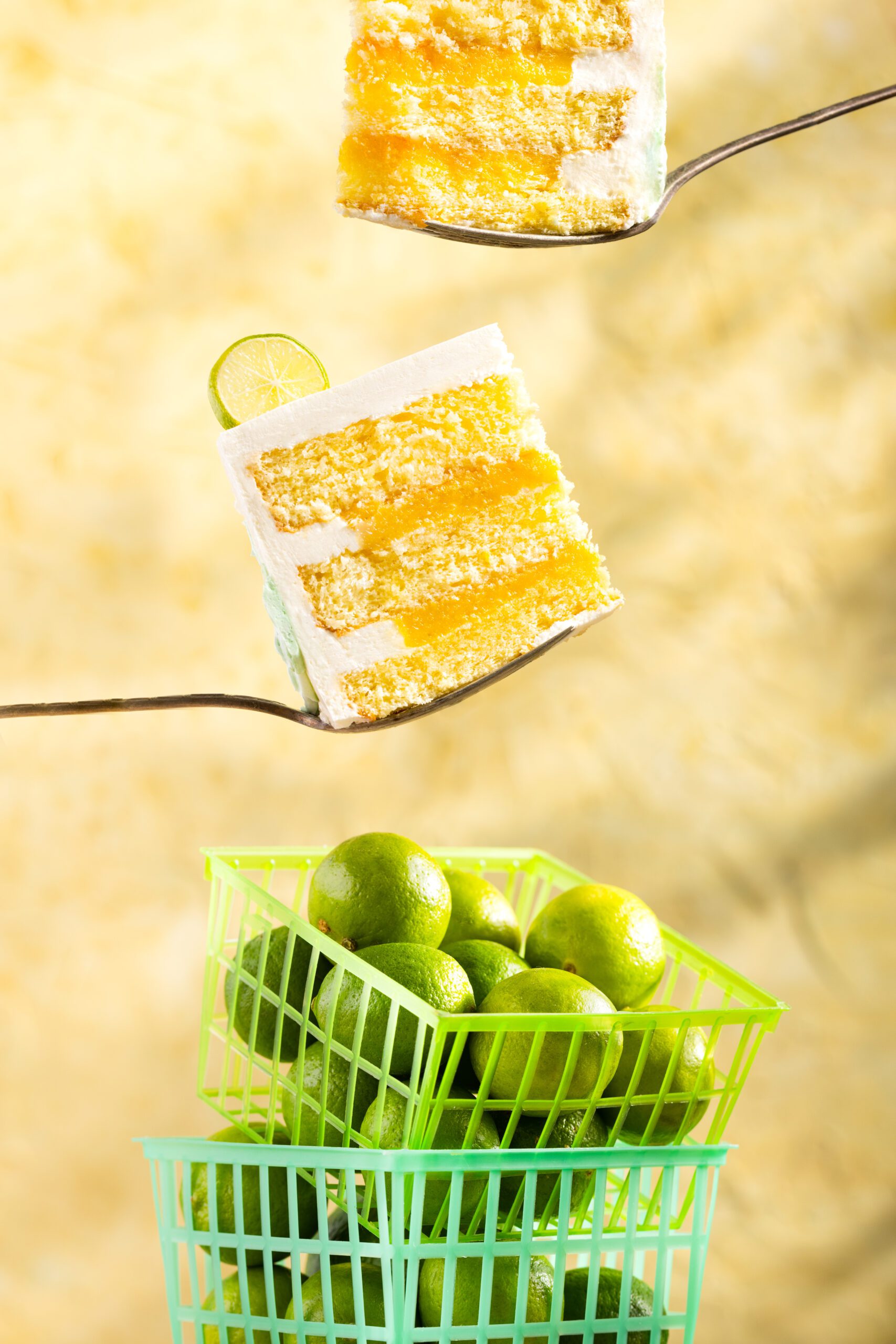
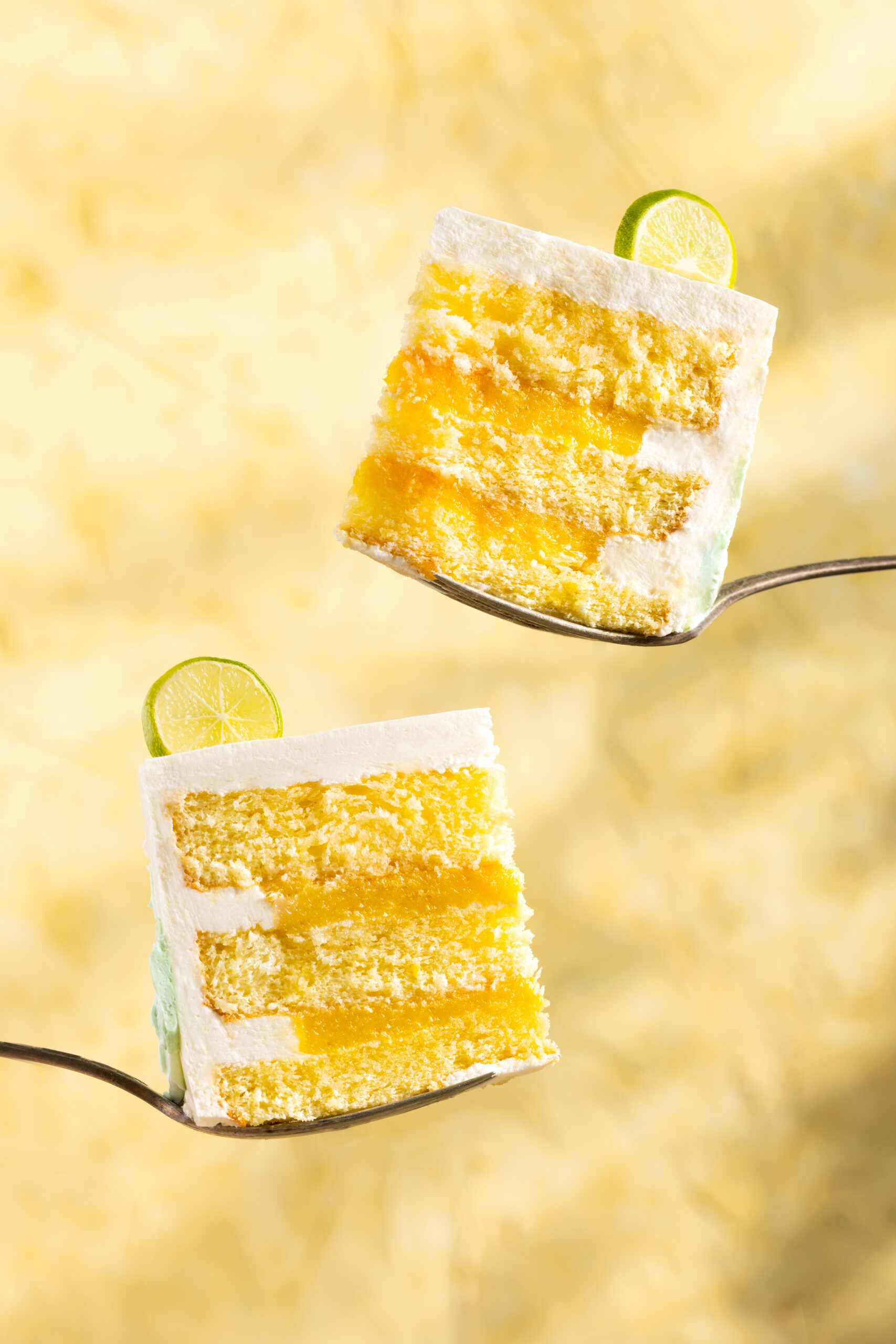
To demonstrate the principles of the composition module, I did a series of demos with a key lime cake I purchased from a local bakery.
In your workbook for this lesson, there are notes pages for each demo. Use them to sketch the setup. This exercise is helpful for internalizing how we place the camera, lights, and set in relation to each other to achieve a certain effect.
In lesson 4 of this module, there are composition sketch pages. I encourage you to go back and sketch the final image with the compositional overlay, especially if this is a compositional technique you are going to try out with your camera.
Equipment List
A combination of my team and I shot these demos over two days in my studio, where we were able to leave the set up and undisturbed. If you don't have that capability, try and organize your shoot into days where you wont have to recreate a set the next day.
Here is a list of the equipment I used for this shoot.
- Flashpoint XPLR 600 Pro strobe light
- 4-foot EZ-Glow octabox with a grid diffuser
- Manfrotto tripod with an arm capable of overhead shooting
- Canon R5 Camera
- Macro 100mm Lens
- Color checker/ gray card
- Large white v-flats
- Tether cord
- Macbook Pro
- Tether Tools laptop tray
- Small c-stand
- LaCie external hard drive
- Tether Tools low-boy rolling light stand
- Sandbags
- C-stand and arm
- A-clamps
- Paper backdrop from Black Velvet Styling
- Two-sided backdrops from V-Flat World
- Textured handmade backdrop
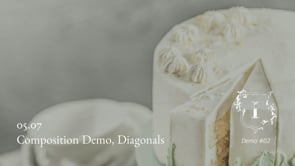
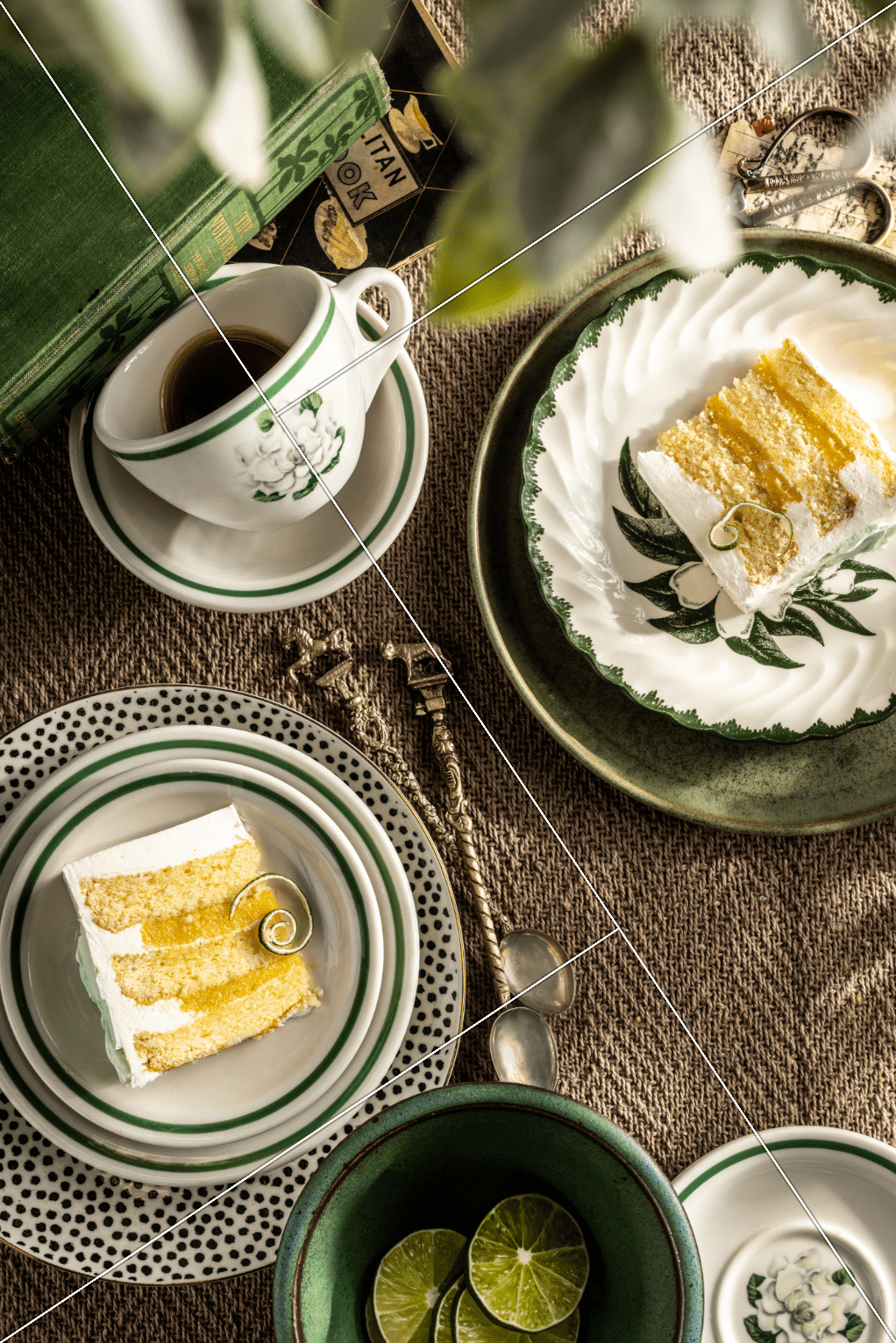
Demo Part 2 -Diagonal Grid
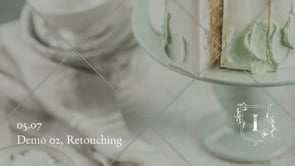
Retouching Part 2 -Diagonal Grid
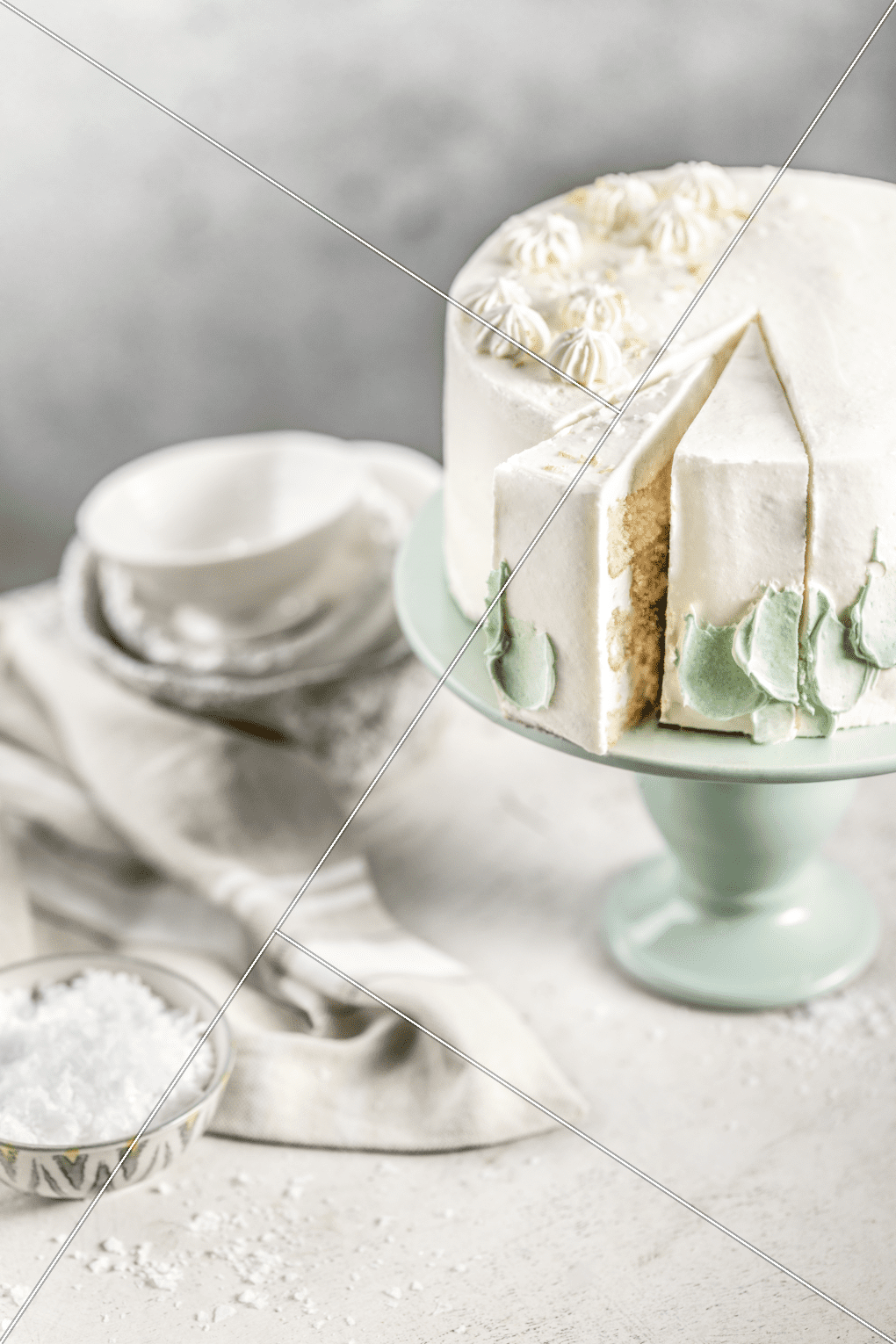
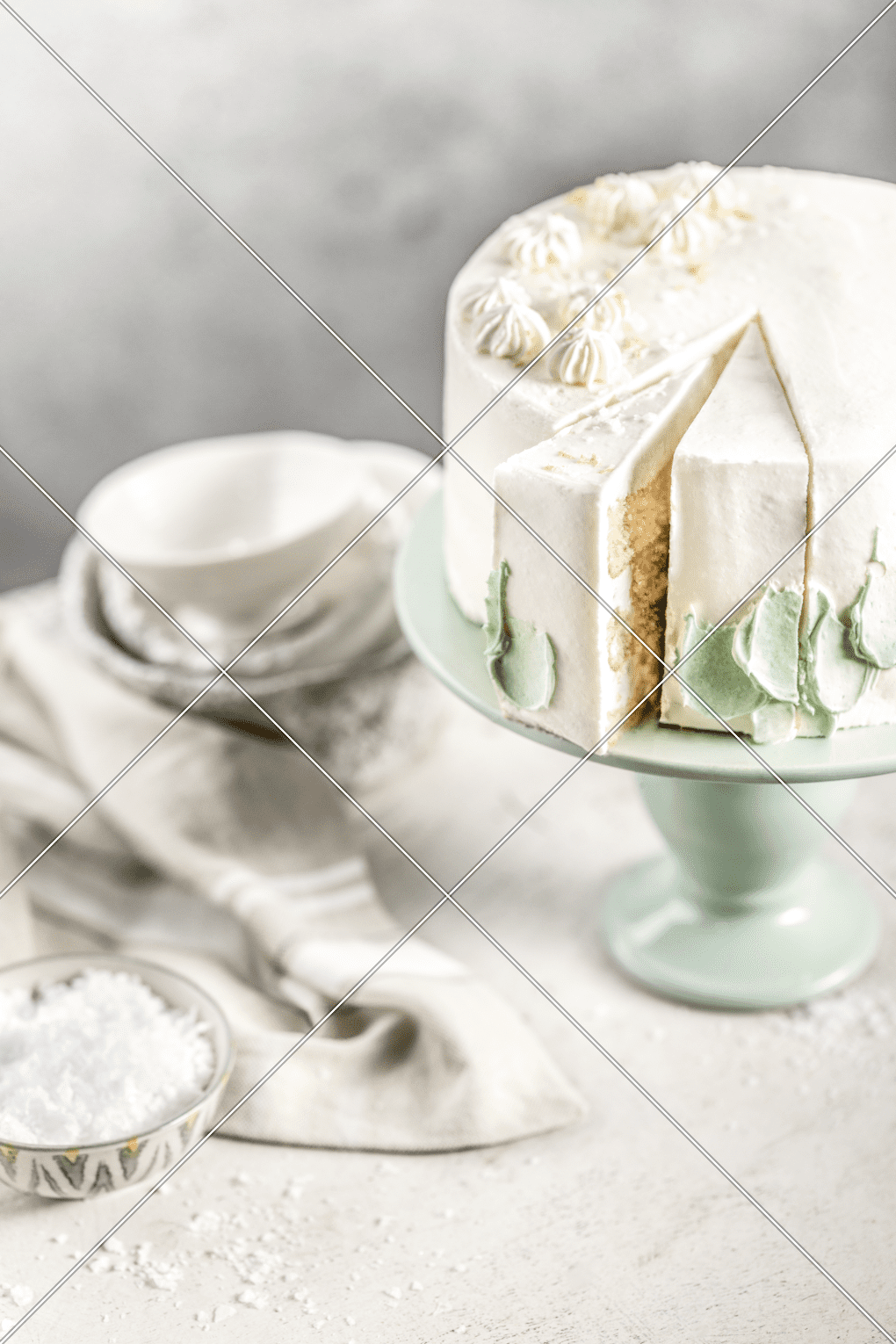
Demo Part 3 -Phi Grid
Retouching Part 3 -Phi Grid
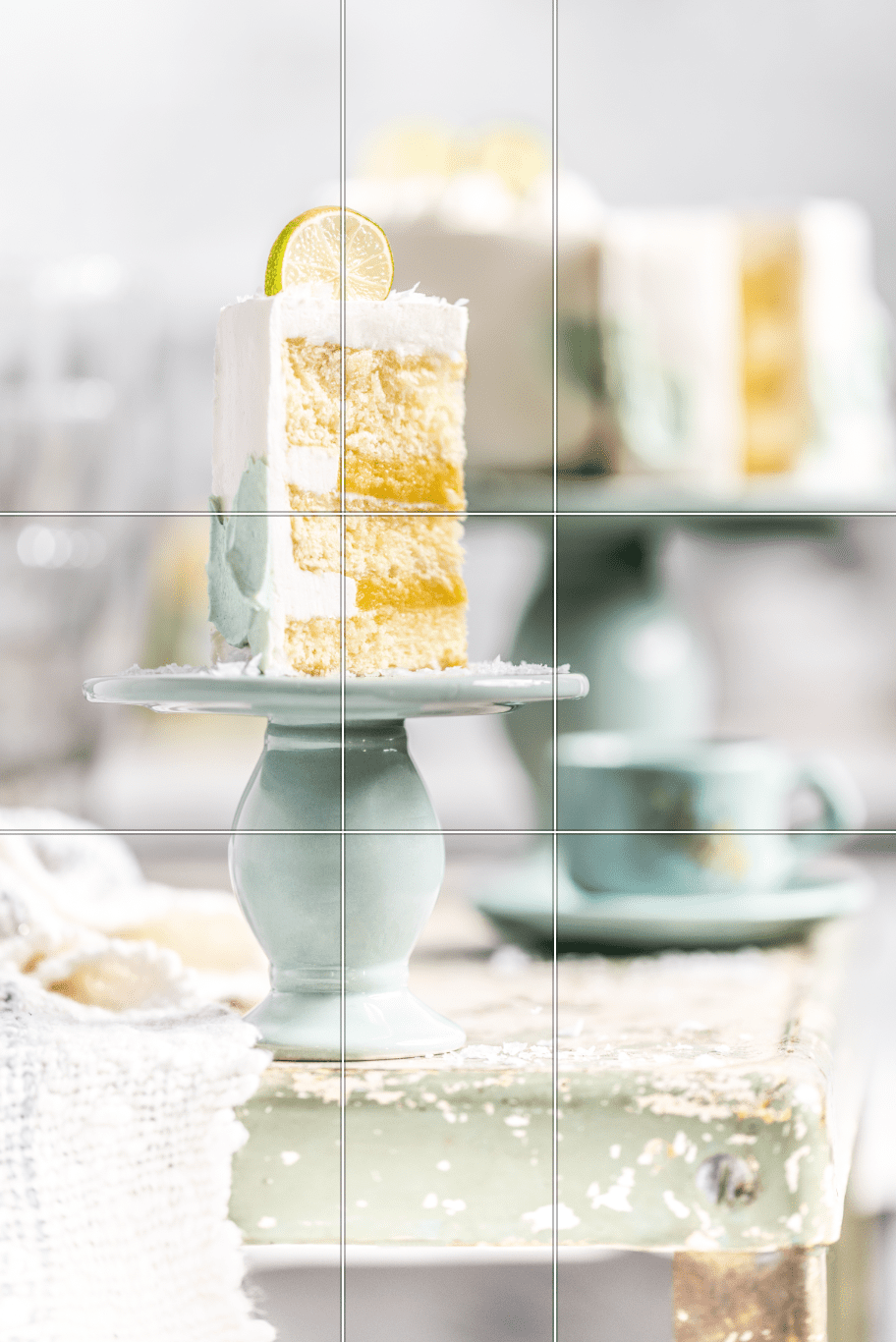
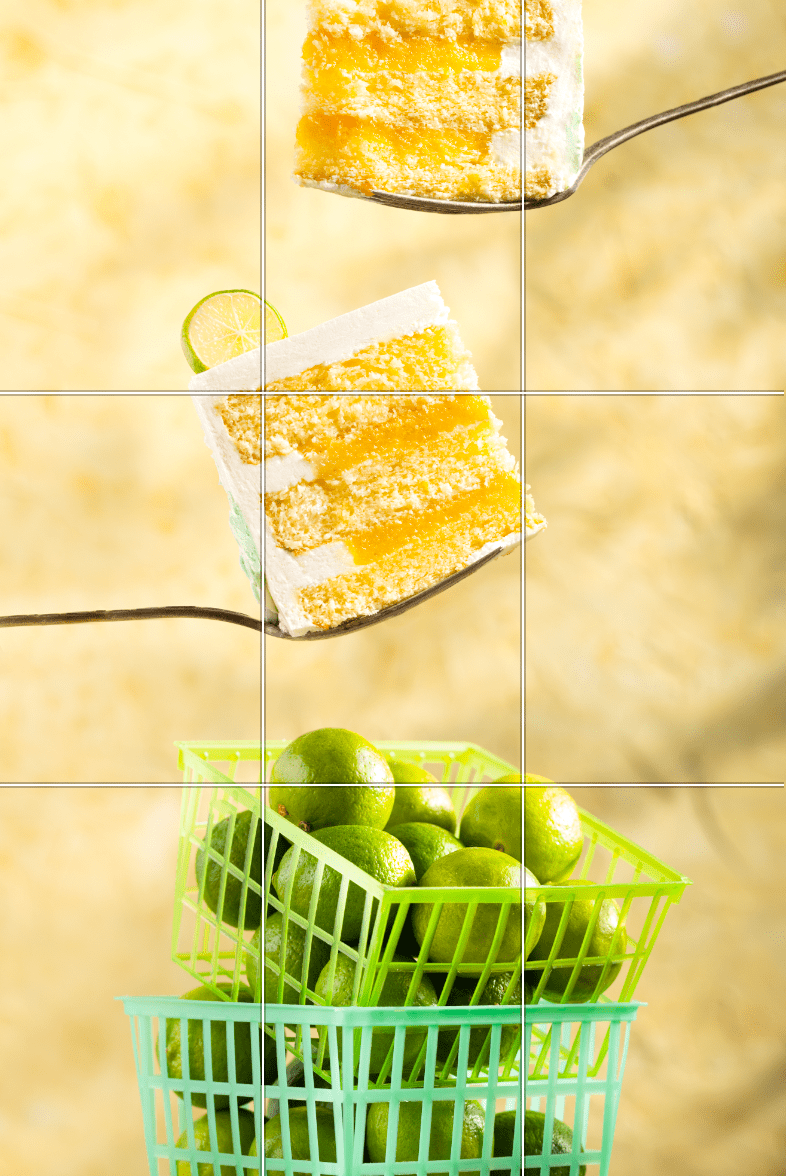
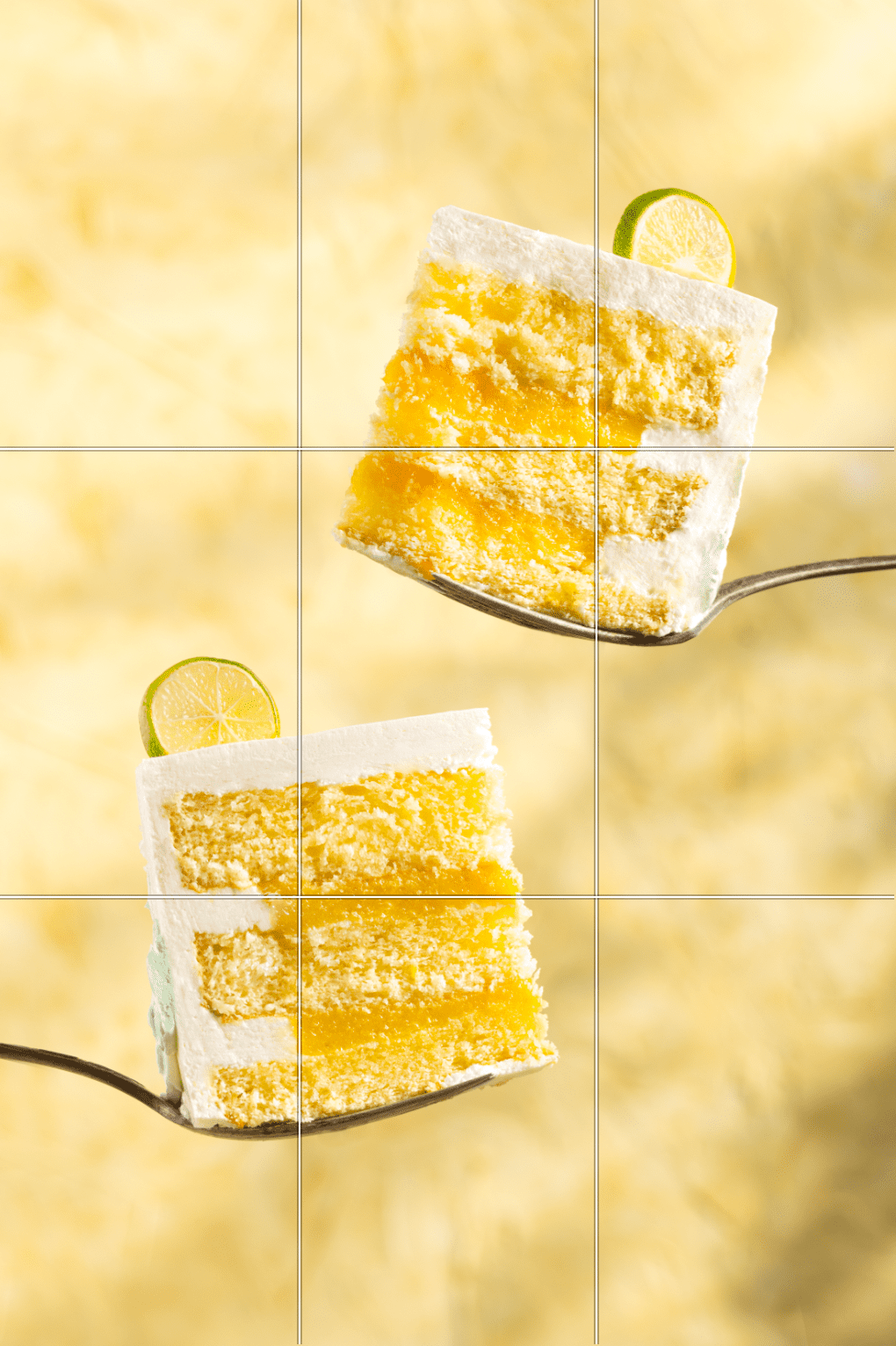
Demo Part 4 -Rule of Thirds
Retouching Part 4 -Rule of Thirds
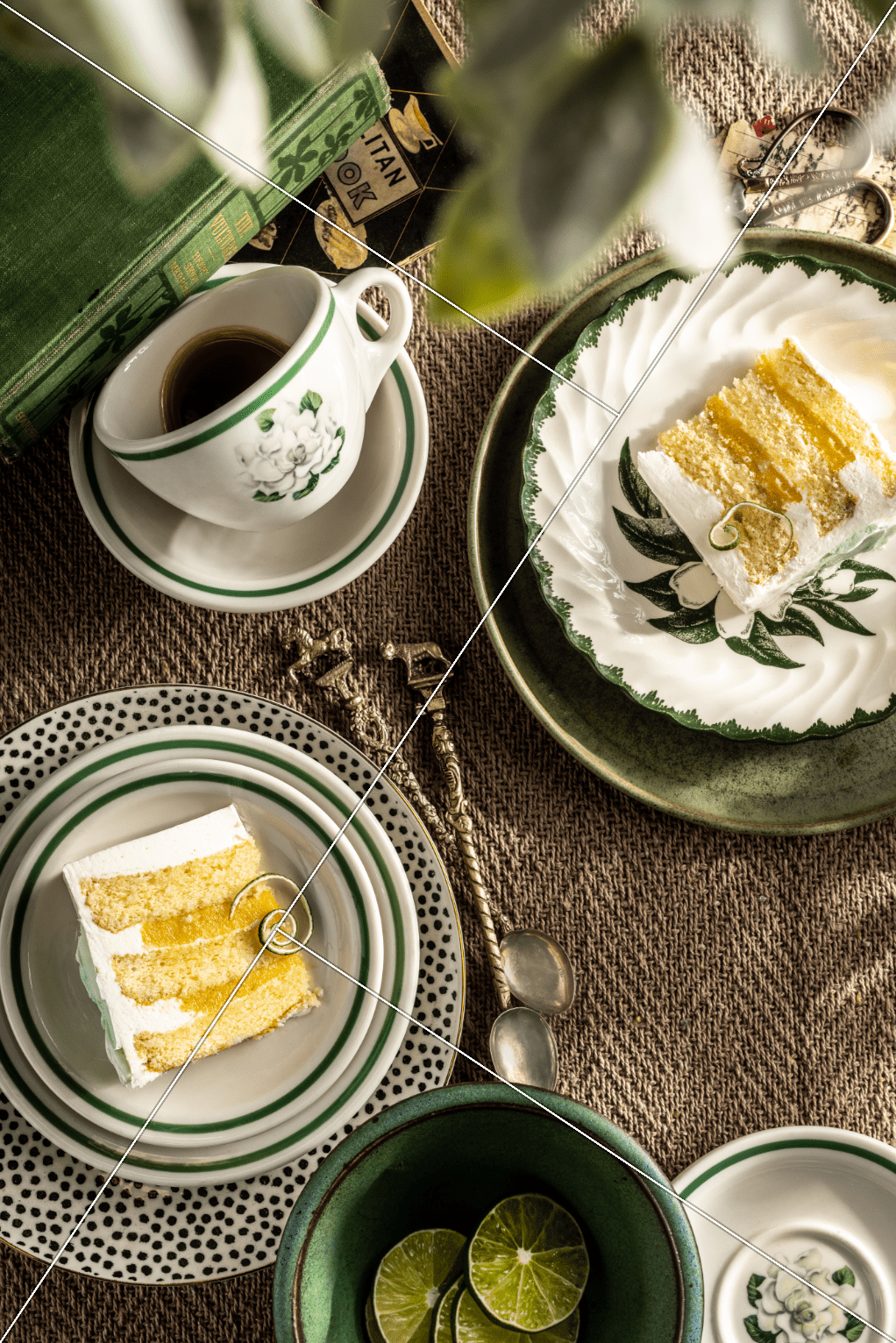
Demo Part 5 -Golden Triangle
Retouching Part 5 -Golden Triangle